

Build game-ready character assets instantly with fast, accurate AI background removal.
Background Remove
Remove image backgrounds instantly with Holopix's AI Background Remover that isolates the subject cleanly without manual masking or complicated editing.
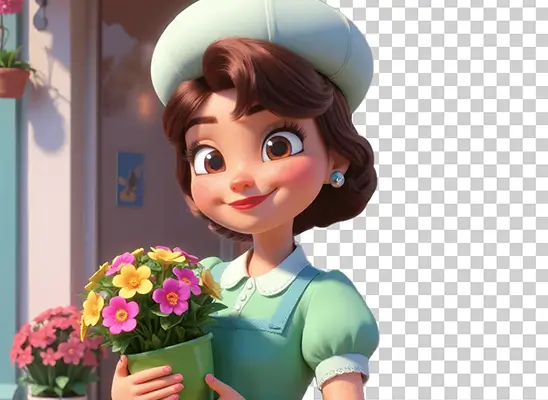
Why Use AI Background Remover

Prepare clean UI elements using AI Background Remover for commercial workflows.
Maintain consistent asset quality by isolating characters and props precisely.
Speed up level design with background-free assets ready for placement.
How to Use AI Background Remover
- 1
Select Background Remove
Open the Create section and choose BG Remove to load the interface for instant subject isolation with no manual masking required.
- 2
Upload Your Image
Import your image and click Generate to let the AI detect the subject, remove the background instantly, and preserve sharp edges.
- 3
Use Background-Free Asset
Hover over the image and click on Download to get your game art or pictures without needing any additional editing.
When to Use AI Image Background Remover
Preparing Character Sprites
Use the AI Background Remover to cleanly isolate characters for sprite sheets or in-game animations without manual cutouts.
Cleaning Game Props
AI image background remover helps artists extract tools or props, creating clean assets ready for placement in game environments.
Faster Concept Art Pipelines
Artists can use Holopix's AI Background Remover to separate key elements fast and assemble scenes without wasting time on manual masking.
Building UI Elements
Holopix's AI Image Background Remover is ideal for producing commercial-ready, clean icons, buttons, and interface pieces that drop directly into the game's UI system.
Start with Pre-built Models
No data available