

Clean scenes by removing distractions and regenerating elements that match your style.
Replace & Erase
Fix imperfections instantly using AI Replace and Erase, which removes unwanted elements and regenerates cleaner details with model-based precision.
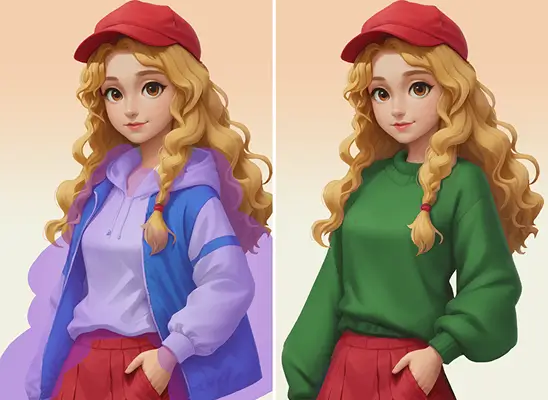
Why Use AI Image Eraser

Repair broken textures using AI Magic Erase for cleaner, game-ready surfaces.
Replace outdated props with regenerated, commercial-ready elements matching your visual direction.
Fix composition issues by erasing unwanted areas and guiding balanced AI results.
How to Use AI Image Eraser
- 1
Upload Your Image
Import your image into the Erase panel, and Holopix AI will prepare it for AI-driven corrections.
- 2
Choose Style Models
Select from 100+ style models and adjust their weights to influence how the AI erases and replaces the selected areas.
- 3
Erase the Target Area
Use the pencil icon to highlight elements you want replaced, or use the eraser icon to refine your selection.
- 4
Prompt and Generate
Enter a short prompt describing the corrections and click Generate to create a clean result that blends naturally with your scene.
When to Use AI Image Eraser
Correcting Visual Mistakes
Use AI Erase when concept art contains broken textures or unwanted shapes that need quick regeneration.
Replacing Outdated Props
Ideal for updating game assets by erasing old props and generating modern replacements that match the current model and are commercial-ready.
Cleaning Cluttered Scenes
Effortlessly clear distracting elements from environments with AI Erase, regenerating cleaner details that improve overall composition.
Adjusting Character Features
AI Smart Erase lets you modify expressions, remove accessories, or refine details without needing to redraw the entire asset.
Start with Pre-built Models
No data available